
 Optro
Optro Workiva
 MindBridge
 Caseware
 TeamMate+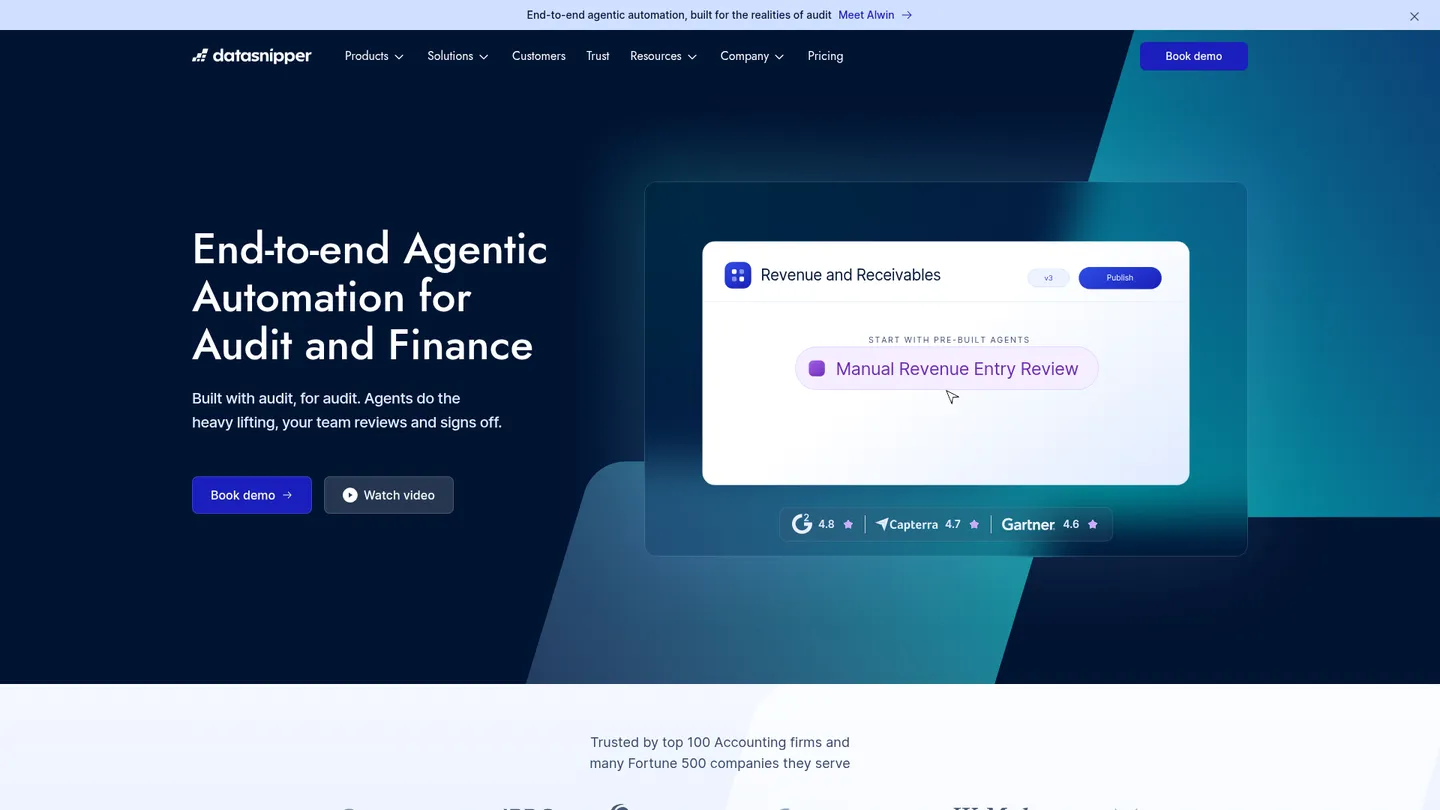
What is DataSnipper?
Founded in 2017, DataSnipper automates audit and finance work through Excel, document evidence and AI-assisted procedures. Its platform is used in 175+ countries, including by all four Big Four firms.
DataSnipper is an audit automation platform centered on an Excel add-in. Teams import PDFs, images, Word files, spreadsheets, and web evidence, then create traceable links between workpaper cells and source passages. Snipping captures text, sums, validations, exceptions, and tables; document matching compares samples with supporting evidence; and form or AI extraction turns recurring documents into structured Excel data. Newer Excel Agents can execute multi-step procedures while auditors review outputs and sign off.
The product spans evidence collection, document organization, extraction, reconciliation, review, and reporting. Its coverage includes tests of detail, tests of controls, walkthroughs, financial-statement procedures, SOX work, tax-document inspection, and advisory analysis. SharePoint, OneDrive, SAP Concur, QuickBooks, and Xero integrations reduce evidence retrieval work. The principal limitation is workflow fit: core features remain closely tied to Excel, while AI and cloud capabilities are plan-dependent and require human review rather than replacing audit judgment.
DataSnipper is aimed at external and internal audit teams, accounting firms, tax professionals, controllers, government auditors, and advisory groups handling document-heavy testing. The company says all four Big Four firms use it, with users in 175+ countries. Pricing is sold as annual subscription plans rather than a public self-serve rate: the current structure is Start, Accelerate, and Elevate, with enterprise capabilities and final pricing handled through a sales conversation. A free trial is not publicly specified on the pricing page.
Key features
Excel evidence linking
Create traceable references between Excel cells and exact locations in PDFs, images, Word files, spreadsheets, and webpages.
Document matching
Automatically match sampled Excel data with supporting invoices, bank statements, contracts, and other source documents.
AI document extraction
Extract structured and unstructured data from invoices, receipts, tax forms, bank statements, and schedules into Excel.
Form and table extraction
Apply reusable extraction logic across batches of similar forms and capture multi-page tables for analysis.
Audit procedure automation
Use Excel Agents and prebuilt agents to run repeatable testing workflows while keeping reviewers in control.
Financial statement analysis
Check mathematical accuracy and prior-year consistency and support standardized financial-statement procedures.
Evidence integrations
Retrieve audit evidence from SharePoint, OneDrive, SAP Concur, QuickBooks, and Xero without manual downloads.
DataSnipper pricing
DataSnipper offers Start, Accelerate and Elevate platform tiers. Prices are quoted by sales rather than published, and the Financial Statement Suite is presented separately.
| Plan | Price | What's included |
|---|---|---|
| Start | Custom | DataSnipper for Excel, document matching, form extraction, version comparison, SSO, and Snips |
| Accelerate | Custom | Start features plus AI-powered Excel Agents, Disclosure Agents, DocuMine, AI extractions, Agent Builder, prebuilt agents, and integrations |
| Elevate | Custom | Accelerate features plus Alwin, Planning Mode, Audit Workbench, Review Workflow, Client Spaces, and advanced collaboration |
Free trial: No public free-trial terms are specified on the pricing page.
Pros & cons
Pros
- Keeps source evidence linked to Excel cells, making reviewer navigation and audit trails straightforward.
- Combines matching, extraction, snipping, and reusable templates in one audit-focused workflow.
- Works with common evidence repositories and finance systems including SharePoint, OneDrive, Concur, QuickBooks, and Xero.
- Offers human-reviewed AI automation with SOC 2 Type II controls and no training on customer data.
Cons
- Core workflows are tightly coupled to Microsoft Excel rather than a fully independent audit workpaper system.
- Plan prices are not public, making budget comparison difficult before a sales conversation.
- AI and cloud workflow capabilities are restricted by tier and require separate evaluation for data handling.
- G2 reviewers mention slow loading, extraction bugs, formatting problems, and difficulty correcting some snips.
Who is DataSnipper best for?
- External audit teams running high-volume tests of detail across invoices, contracts, and bank statements.
- Accounting firms that want reviewable evidence links inside familiar Excel workpapers.
- Internal audit and SOX teams standardizing control testing and walkthrough documentation.
- Tax, advisory, and finance teams extracting and reconciling data from document-heavy files.
Audit areas
Integrations
Notable customers
Frequently asked questions
How much does DataSnipper cost?
+
DataSnipper uses annual, quote-based subscriptions and publishes Start, Accelerate, and Elevate tiers without public prices. Buyers need to contact sales for a plan quote, and no public free-trial terms are listed.
How does DataSnipper work in an audit?
+
The Excel add-in imports or retrieves evidence, extracts selected values, and links workpaper cells to source pages or passages. Matching, templates, and Excel Agents automate repeatable steps, while an auditor reviews the result and signs off.
How does DataSnipper compare with AuditBoard?
+
DataSnipper is strongest when audit evidence and testing already live in Excel, with source-linked snips and document extraction. AuditBoard is a broader connected-risk and audit-management suite, so the better choice depends on whether the priority is evidence automation in Excel or centralized audit-program management.
Which integrations does DataSnipper support?
+
The official integrations page names SharePoint, OneDrive, SAP Concur, QuickBooks, and Xero. Evidence can be imported through the Excel ribbon, while Excel Agents can retrieve files for supported procedures.
Who should buy DataSnipper?
+
It is designed for external and internal auditors, accounting firms, tax professionals, controllers, government auditors, and advisory teams handling document-heavy procedures. The company says its users span 175 countries and include all four Big Four firms.
Is DataSnipper secure and accurate enough for audit work?
+
DataSnipper states that it is SOC 2 Type II compliant, encrypts data at rest and in transit, and does not train AI models on customer data. Outputs remain traceable to source evidence, but human review is still required because extraction and AI results can need correction.
Sources
Facts and pricing verified on October 19, 2026. Vendors change pricing often, so confirm with DataSnipper before buying. How we research