
 Avalara
 Sovos
Sovos Descartes
 ONESOURCE
 Vertex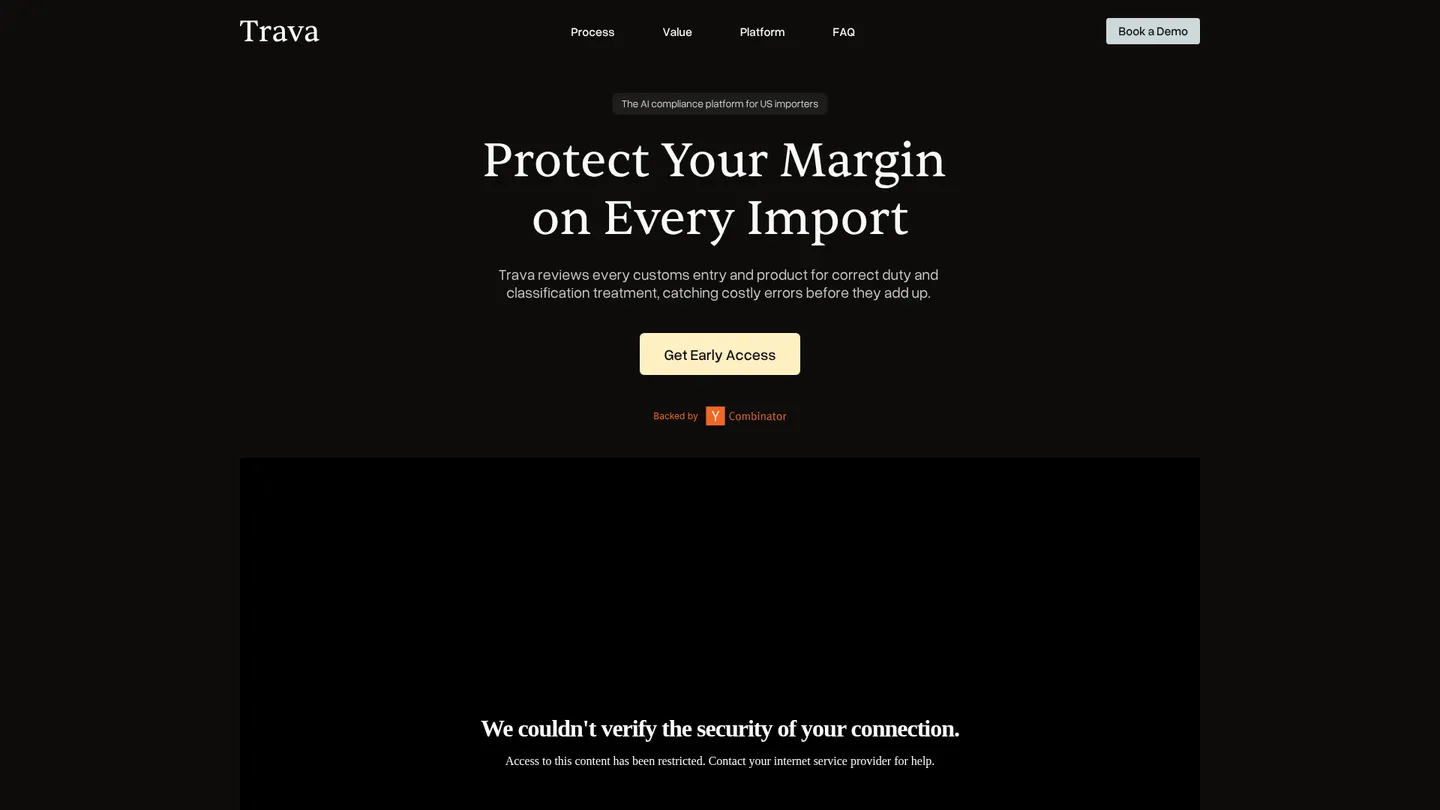
What is Trava?
Trava is an early-access AI platform for US importers that reviews customs entries and product data for duty and classification errors. It offers expert-reviewed audits, HTS recommendations, and automated monitoring.
Trava is an AI compliance platform for US importers. It connects to a company’s PLM or ERP to pull customs-entry and product-master data, while manual upload and secure file transfer provide alternatives. The system audits past entries for overpayments, refunds, underpayments, and classification issues, then monitors new shipments automatically. Its first audit report is advertised within 72 hours. Trava is a software provider, not a customs broker: it does not file entries or paperwork with US Customs and Border Protection.
The product combines deterministic, rule-based tariff logic with AI-assisted research and expert review. Entry Audits examine historical filings; Classification Copilot proposes HTS codes with citations and defensible reasoning; and Tariff Engineering is listed as coming soon. Trava says experts validate corrections and that audit calculations and logic come from its rule engine. The platform supports review and evidence generation, while brokers or internal trade teams handle filings, refunds, and regulatory decisions.
Trava is aimed at importers managing meaningful duty exposure, especially teams whose brokers file quickly but cannot review every entry. The company claims results within days and continuous monitoring after integration, with 24/7 support stated on its site. No subscription prices, package tiers, public trial, implementation fee, framework list, customer list, or named integration catalog is published. The product is positioned as early access, so procurement teams should confirm availability, data requirements, coverage, and commercial terms in a demonstration.
Key features
Customs entry audits
Reviews historical customs entries to identify overpaid duties, possible refunds, underpayments, and compliance risks.
Continuous monitoring
Monitors new shipments automatically after integration so teams can identify issues without changing their filing process.
HTS classification
Classification Copilot proposes product HTS codes with citations, reasoning, and a one-click approval workflow.
Tariff engineering
A planned capability intended to identify lawful product-design changes that may reduce duty exposure.
ERP and PLM connection
Connects directly to PLM or ERP systems for product-master and customs-entry data, with manual upload and secure file transfer also supported.
Evidence generation
Produces defensible evidence that an importer’s broker can use when acting on a flagged correction.
Expert validation
Trade-compliance experts review corrections while deterministic rule logic produces audit calculations and AI assists regulatory research.
Trava pricing
Trava uses quote-based pricing and invites importers to request early access or book a demo. Public subscription prices, package limits, and transaction charges are not listed.
| Plan | Price | What's included |
|---|---|---|
| Early access | CustomPublic commercial terms are not disclosed. | Entry audits, classification workflow, and product scope discussed during evaluation |
Free trial: No public free trial is listed.
Pros & cons
Pros
- Combines deterministic tariff logic, AI-assisted research, and expert validation.
- Advertises a first audit report within 72 hours.
- Supports ERP or PLM connections as well as manual upload and secure file transfer.
- Separates audit evidence from broker filing so importers retain their existing broker relationship.
Cons
- Pricing and package details are not publicly disclosed.
- The product is presented as early access, so availability and production scope require confirmation.
- Trava does not file entries, corrections, or refund paperwork with CBP.
- The public site does not identify supported ERP or PLM vendors, making connector compatibility a procurement question.
Who is Trava best for?
- US importers reviewing high volumes of customs entries for duty and classification errors.
- Trade teams seeking continuous monitoring rather than periodic sample-based broker or consultant reviews.
- Importers needing cited HTS recommendations that can be reviewed and handed to their customs broker.
- Companies with PLM or ERP product data that want a low-lift path to entry auditing.
Coverage
Integrations
Frequently asked questions
How much does Trava cost?
+
Trava does not publish a starting price, subscription rate, or tier table. Buyers must request early access or a demo for commercial terms.
How does Trava work and how quickly can it produce results?
+
It connects to PLM or ERP data, or accepts manual uploads and secure file transfers, then audits entries and products. Trava says the first audit report is ready within 72 hours, while continuous monitoring begins after integration.
How does Trava compare with Avalara?
+
Trava focuses on auditing US customs entries, proposing HTS classifications, and surfacing duty errors with expert-reviewed evidence. Avalara addresses broader tax-compliance workflows, so the products are not direct equivalents.
What integrations does Trava support?
+
The public site names direct connections to PLM and ERP systems but does not identify specific vendors. Manual upload and secure file transfer are also available.
Who is Trava for?
+
Trava is built for US importers managing customs entries, product classifications, and duty exposure. It is most relevant to teams that want every entry monitored while continuing to use a customs broker for filings.
Is Trava secure and accurate enough for customs work?
+
Trava says data is encrypted in transit and at rest and that it follows industry best practices for sensitive trade information. Its rule engine produces audit logic and calculations, AI assists research, and compliance experts review corrections, while importers remain responsible for final decisions and filings.
Sources
Facts and pricing verified on October 19, 2026. Vendors change pricing often, so confirm with Trava before buying. How we research