 OneTrust
 BigID
BigID DataGrail
 Relyance AI
 Transcend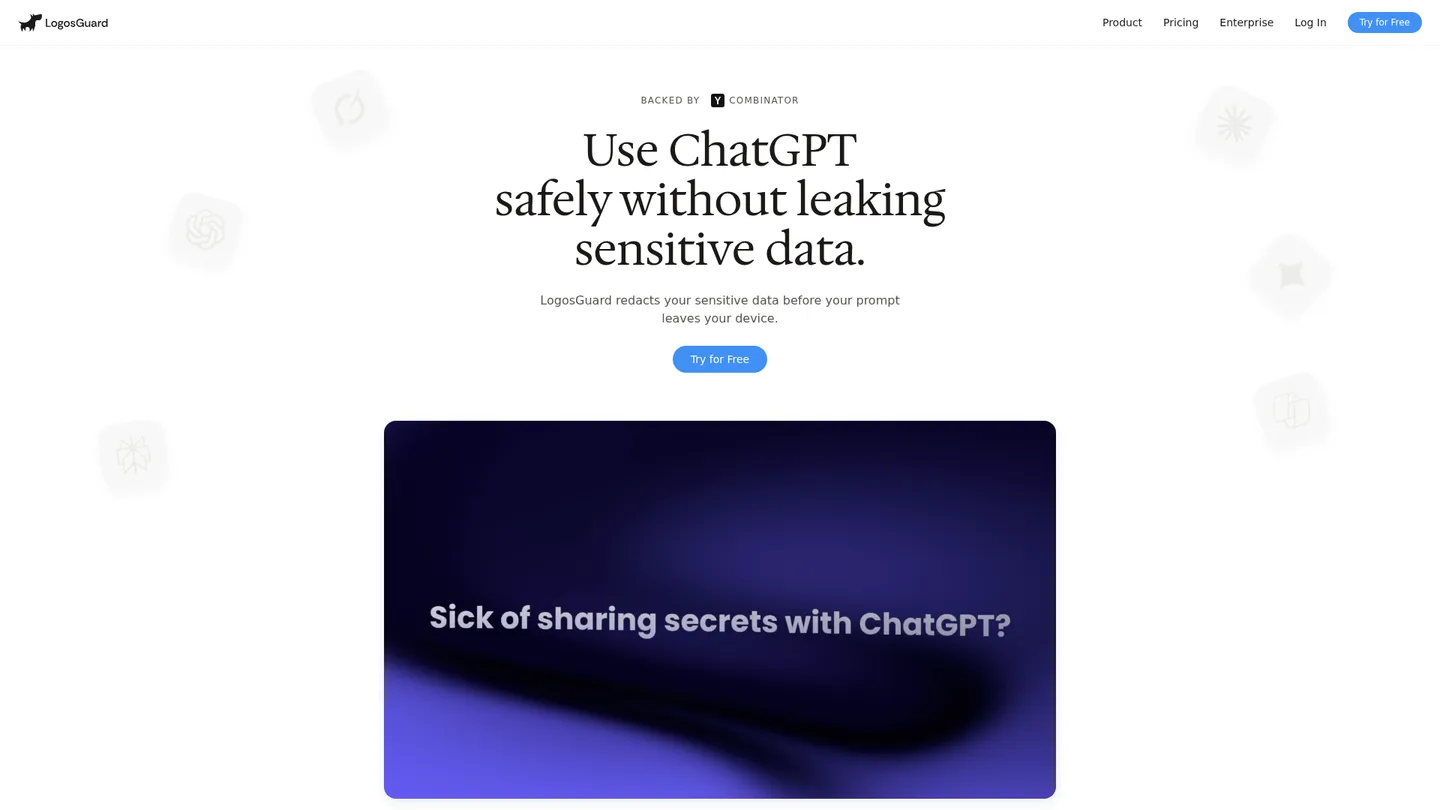
What is LogosGuard?
LogosGuard is a San Francisco AI privacy and governance company founded in 2025. Its browser, desktop, and private-LLM products detect, redact, warn, block, and audit sensitive data in AI workflows.
LogosGuard is an AI data-loss-prevention layer positioned between employees and external AI tools. Its browser extension scans typed text, pasted content, and supported file uploads before submission, then applies a policy action: warn, redact, block, or allow. Redaction swaps real values for placeholders such as [NAME], [MRN], or [ACCOUNT], allowing the model to work without receiving the original value. The consumer extension performs detection locally; enterprise deployments can use a LogosGuard cloud tenant or self-hosted/VPC deployment.
The product line spans an enterprise browser extension, a desktop app for native AI clients and command-line tools, and a private-LLM deployment for organizations that cannot send prompts to third parties. Policies can be scoped by data class, user or team, AI tool, and time window, with support for PII, PHI, credentials, source code, financial data, MNPI, legal data, and customer data. Audit events record identity, destination, policy, detected class, action, and timestamp without retaining the underlying prompt by default. The browser extension does not cover unconfigured origins, and client-side controls can be bypassed without device-management backstops.
LogosGuard serves individuals, teams, security and IT departments, and enterprises adopting external AI tools. The public Free plan is $0 forever, while Pro is $5 per month when billed annually ($60 annually) and adds unlimited redactions, unlimited file redactions, exportable audit logs, and email support. Enterprise pricing is custom and adds centralized policies, SSO/SAML/SCIM, SIEM export, VPC or on-premises deployment, optional private LLMs, HIPAA support, contractual DPA/BAA terms, and a 99.9% uptime SLA. A seven-day Pro trial is advertised, with no charge during the trial and cancellation available from the account.
Key features
Sensitive data redaction
Detects sensitive values and replaces them with working placeholders before an AI prompt or upload is submitted.
Policy enforcement
Lets administrators warn, redact, block, or allow activity using rules scoped to data class, team, AI tool, and time window.
Browser AI protection
Scans typing, paste, and supported file uploads across configured browser AI origins including ChatGPT, Claude, and Gemini.
Desktop AI protection
Extends the policy engine to native AI desktop clients, IDE integrations, and command-line AI tools on macOS and Windows.
Audit logging
Records user, AI tool, policy, detected data class, action, and timestamp while omitting underlying prompt content by default.
Private deployment
Offers enterprise cloud-tenant, VPC, on-premises, and private-LLM options for workflows that cannot leave the organization’s perimeter.
SIEM and identity controls
Supports SSO-based identity in audit trails and exports audit logs to existing SIEM or surveillance pipelines.
LogosGuard pricing
The Free plan costs $0 forever. Pro is $5 per month when billed annually, or $60 billed once a year, and Enterprise pricing is custom. The public plan page does not publish a separate monthly-billing price for Pro.
| Plan | Price | What's included |
|---|---|---|
| Free | $0 forever | ChatGPT, Claude, Gemini, Copilot, Grok, and Perplexity coverage, 50 redactions per week, 3 file redactions per week, browser extension, audit log, conversation alias history |
| Pro | $5/mo; $60 billed annually7-day free trial | All listed AI tools, unlimited redactions, unlimited file redactions, browser extension, exportable CSV audit log, conversation alias history, email support |
| Enterprise | CustomTailored to team requirements | Pro features, natural-language policies, team blocklists and overrides, admin dashboard, SSO/SAML/SCIM, SIEM export, configurable deployment, private LLM option, HIPAA support, DPA/BAA, dedicated CSM, 99.9% uptime SLA |
Free trial: 7-day Pro trial; no charge during the trial and cancel anytime.
Pros & cons
Pros
- Free and Pro plans offer an accessible way to test AI redaction before an enterprise purchase.
- Redaction preserves usable prompts by replacing sensitive values with aliases instead of blocking every risky submission.
- Policies and audit events span multiple AI tools through one control layer.
- Enterprise options include VPC or on-premises hosting and an optional private LLM.
Cons
- Enterprise pricing is custom, limiting public cost estimates for larger buyers.
- The browser extension runs only on configured origins and does not cover native desktop clients without the separate desktop app.
- Client-side controls can be bypassed if users disable the extension or use an unmanaged device.
- No independent user reviews are currently listed on Capterra, limiting third-party evidence about reliability and detection accuracy.
Who is LogosGuard best for?
- Individuals seeking a low-cost privacy guardrail for everyday AI use.
- Security teams controlling accidental PII, PHI, credential, code, or customer-data leakage into AI tools.
- Organizations needing pre-submission controls across browser, desktop, and command-line AI workflows.
- Enterprises requiring self-hosted or VPC deployment, SSO, SIEM export, and configurable audit retention.
Coverage
Integrations
Frequently asked questions
How much does LogosGuard cost?
+
The Free plan is $0 forever. Pro costs $5 per month when billed annually, or $60 billed once a year, and Enterprise is custom. The Pro plan includes a seven-day free trial.
How does LogosGuard work, and how long does deployment take?
+
The extension scans typed text, pasted content, and supported uploads before submission, then warns, redacts, blocks, or allows according to policy. Browser-extension rollout typically takes days, desktop deployment takes weeks, and private-LLM deployment takes months.
How does LogosGuard compare with OneTrust?
+
LogosGuard focuses on preventing sensitive data from reaching AI tools and auditing those events. Its prompt and file controls are a narrower purchase than a broad privacy-governance platform such as OneTrust.
What integrations does LogosGuard support?
+
The public plans list ChatGPT, Claude, Gemini, Copilot, Grok, and Perplexity, with Chrome and Edge browser extensions. Enterprise materials also describe SSO, SIEM export, and surveillance-pipeline exports.
Who is LogosGuard for?
+
Free and Pro target individuals and power users, while Enterprise targets organizations adopting external AI tools. Security, IT, compliance, legal, finance, healthcare, and engineering teams can apply controls to PII, PHI, credentials, source code, financial data, and customer data.
Is LogosGuard suitable for compliance use?
+
The consumer extension processes scans locally and does not send prompts or files to LogosGuard during scanning; enterprise workflows may process data transiently in the configured deployment. Enterprise browser communications use TLS 1.2 or higher, and buyers should test false positives, alias behavior, retention, and bypass resistance with representative data.
Sources
Facts and pricing verified on October 19, 2026. Vendors change pricing often, so confirm with LogosGuard before buying. How we research